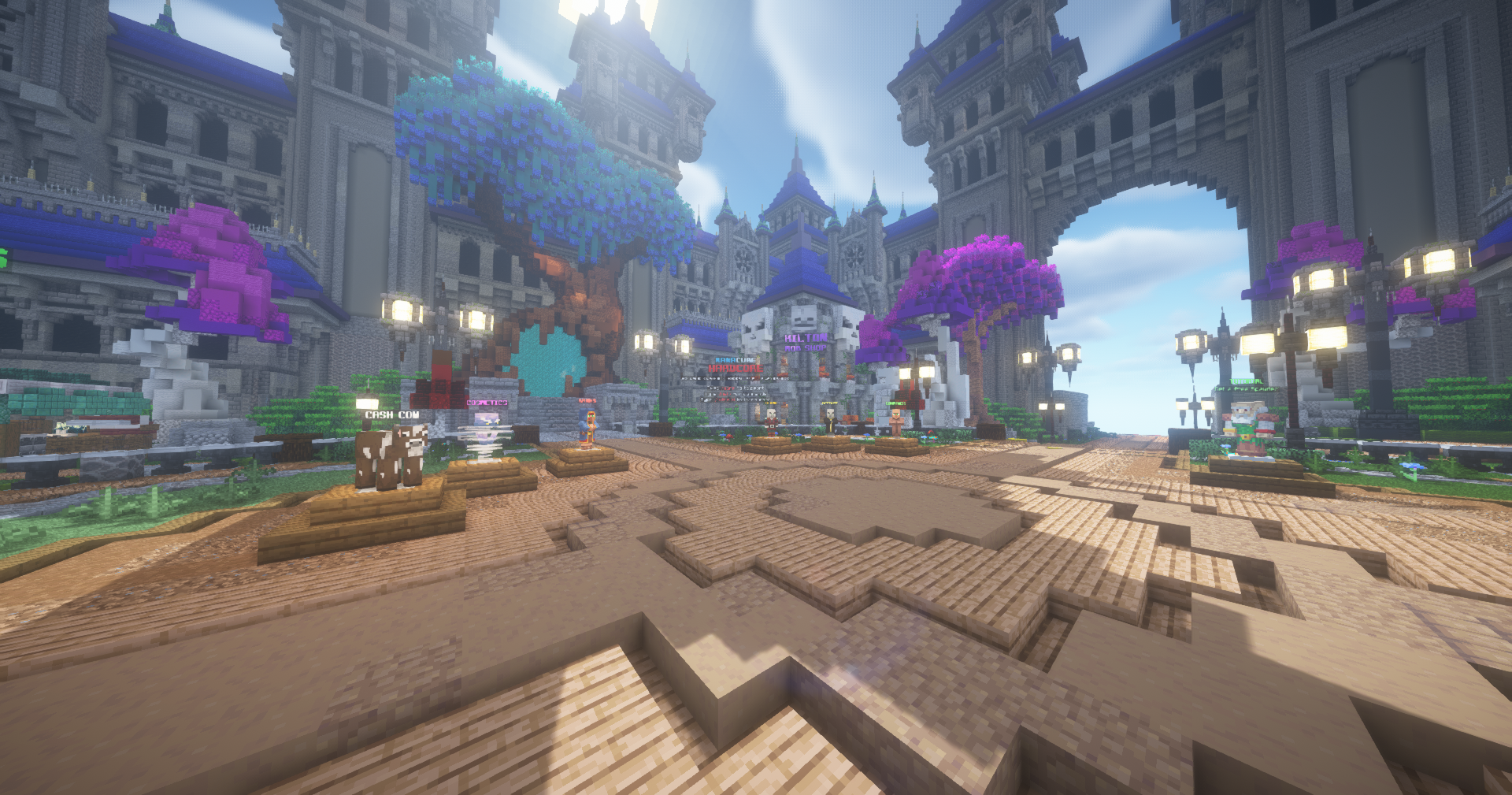
Hardcore is a full revamp and rename of the Lifesteal realm. The old lifesteal/heart mechanics are gone. This is now a long-term, vanilla-focused PvP survival realm. Despite the name, Hardcore is not one-life; you respawn when you die. Hardcore has many core ideas behind it recruitment of players, pvp'ing others and grinding leaderboards.
¶ Recruitment
Recruitment is new for Hardcore. It is a system designed to help teams find players and players to find teams. Talk to the Recruiter at spawn or type /recruit to open the menu
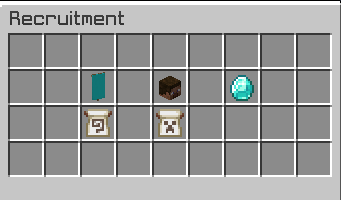
Players can submit applications to join a team where teams can view list of players who are looking for teams to be invited to. Teams can toggle an option to indicate if they are accepting applications.
The recruitment applications can let you specify different categories of who you are as a player.
- Interests (PVP, building, grinding, economy, and more)
- Experience Level
- Activity
- Timezone
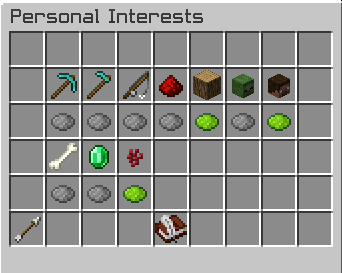
If you want to create your own team and then recruit players you can start by making a team with /team create (name), you can have up to 10 players per team. You can also do /team invite (name) if you wish to just invite people as well.
If you no longer want to have your own team you can do /team delete and confirm it with /team delete (code).
More information can be found in the Hardcore Team Permissions article.
¶ Defensive measures against raiders
On Hardcore, you're NOT able to claim land however there are defensive measures that have been taken to help slow people down from taking your blocks too quickly. Valuable blocks will take 15 seconds to break compared to normal blocks and Reinforced Deepslate will take 80 seconds to break. You can also turn on raid alerts for when players try to break your blocks.
¶ Discord Raid Alerts
If your discord account is synced with the Manacube discord, you will be notified via a discord bot when your team is being raided. To turn that off, you can type /raidalert.
¶ Team map
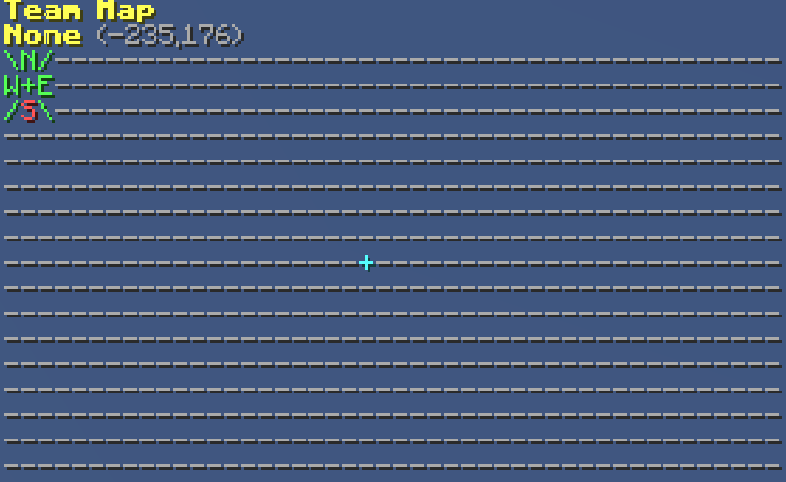
Since you can't claim land on Hardcore, the map will only show a small amount of information. The example above shows what a typical team map will look like. The dashed lines are unclaimed land. The '+' will show you the chunk that you're currently standing in as well as the corresponding coords. The direction (North, West, East, South and /) will be red if you're looking in that direction. In the example above, you're facing South.
¶ Warp Teleporter

You can type /warps to travel through different areas of Hardcore
-
 - Teleports you to Spawn
 -
 - Teleports you to the Overworld
 -
 - Teleports you to the Nether
 -
 - Teleports you to the End
 -
 - Teleports you to the Resource World
 -
 - Teleports you to your Personal home. If you have more than one home, your homes will be listed instead
 -
 - Teleports you to your Team home
¶ Creating a Base
When it comes to creating a Hardcore base, some may try to build crazy designs to keep players out of their base. Since there's no claiming, it is going to be extremely easy to destroy. Stick to simple high value blocks and blocks that take a fair amount of time to destroy; obsidian, chests etc.
¶ Setting Team Permissions and Rules
Whether you decide to join an existing team or create your own, it is important to set your Team Perms accordingly. These permissions help prevent players from harming your Hardcore team. The command /t perms will bring up a GUI to set permissions in five groups (Recruits, Members, Moderators, Admins and Owners). For more information about Hardcore team Permissions, you can look at the Team Perms article.
Most teams find it useful to set rules to ensure members are aware of how they are expected to behave and follow the Network rules. Make sure you are up-to-date with rules so that you or your team members aren't banned.
¶ Sell Shop
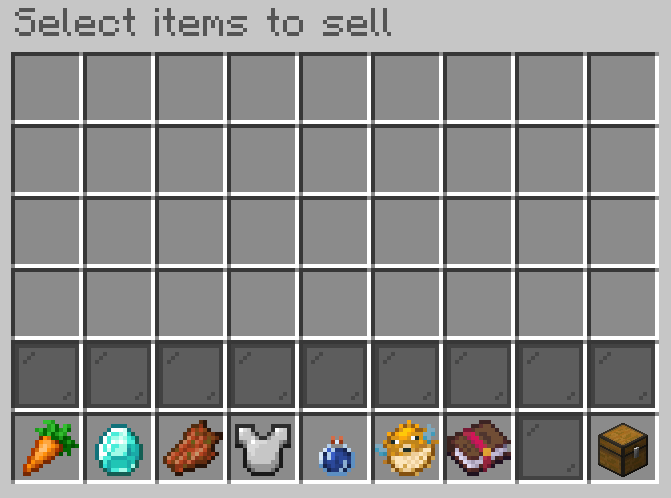
To open the shop do /shop. Here you can look at the different shops there are. If you click on the sell shop ( ), the above GUI will open. Here you can select items to sell or you can click on the chest in the bottom right to bring all sellable items from your inventory into the GUI.
If you go out of the GUI or look at multipliers, all items in the GUI will be sold. Make sure to take any items you don't want to sell out of the GUI before closing or looking at multipliers.
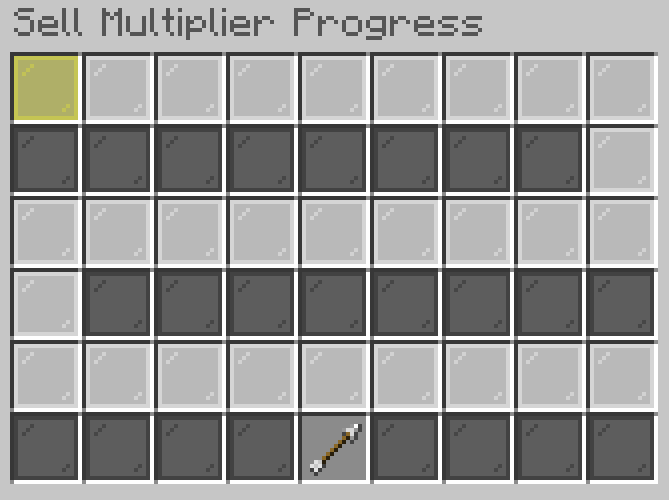
The more you sell in a category, the closer you'll be to a sell multiplier. For instance if you sell $50,000 worth of Crops, Food & Nature, you will go from the default 1.0x sell Multiplier to 1.1x sell Multiplier. 2.4x sell multiplier is the max for any category that you sell in.
Categories to sell in are as follows:
- Crops, Food & Nature
- Ores, Earth & Rocks
- Mob Loot
- Equipment Gear
- Potions
- Fish
- Enchanted Books
¶ Manashop
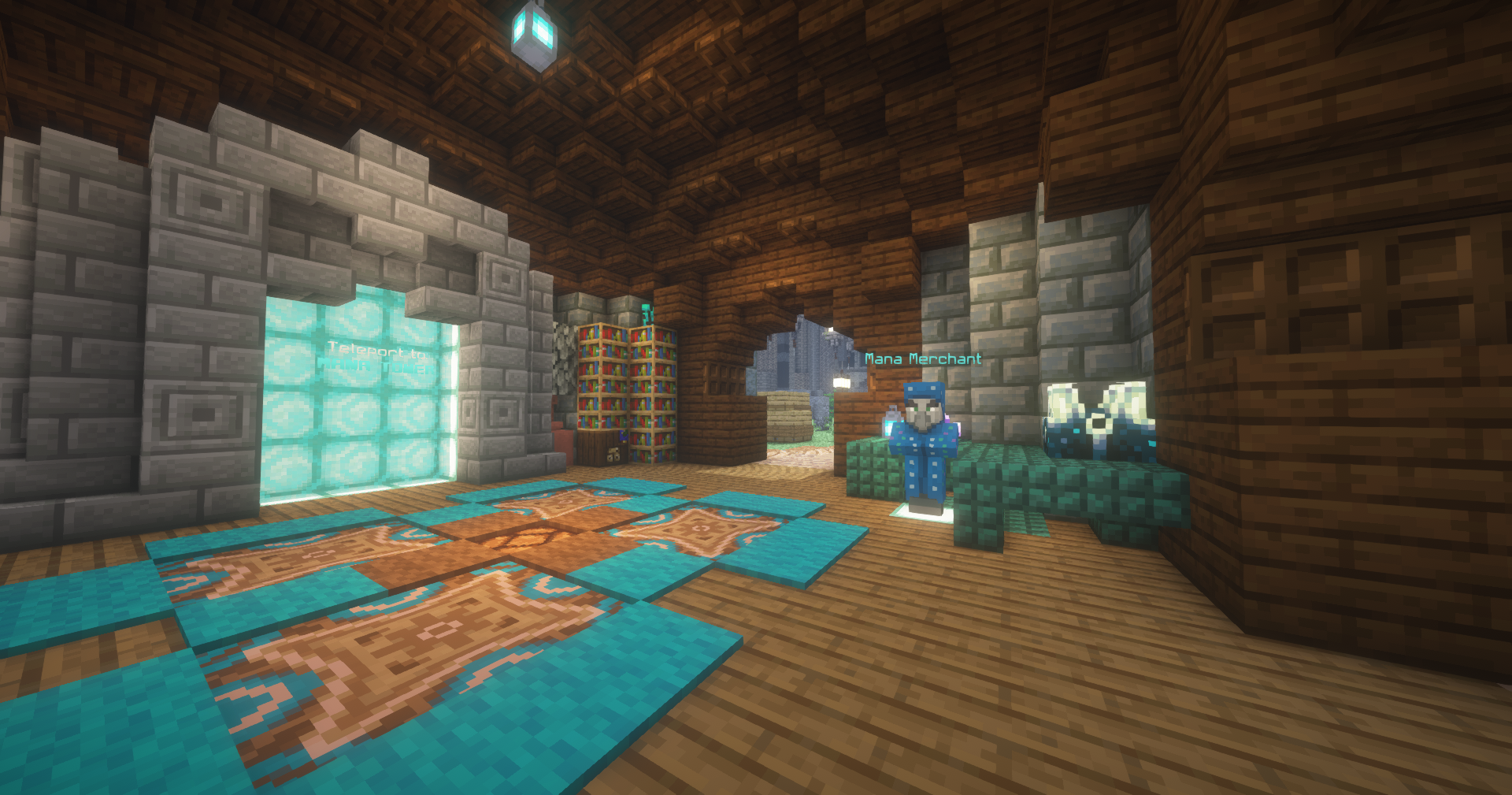
You can visit the mana merchant in the Mana Tower at spawn or do /manashop to open the Manashop. The Manashop uses Mana as its currency. You earn 1 Mana per minute and you can go to /warp afk where you can earn 5 Mana per minute. You can do /mana to see other ways you can earn mana on Hardcore.
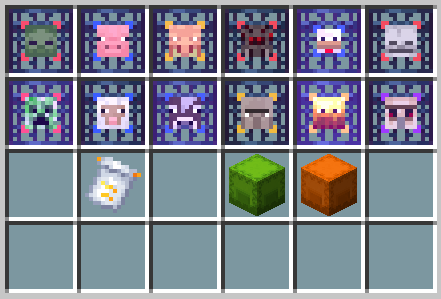
| Spawner | Drops | Price | |
 |
Zombie Spawner | Rotten Flesh | 500 Mana |
 |
Pig Spawner | Porkshop | 600 Mana |
 |
Piglin Spawner | Gold nugget | 1,500 Mana |
 |
Spider Spawner | String and Spider Eye | 2,500 Mana |
 |
Chicken Spawner | Chicken and Feather | 2,500 Mana |
 |
Skeleton Spawner | Bone and Arrow | 3,000 Mana |
 |
Creeper Spawner | Gunpowder and String | 4,000 Mana |
 |
Sheep Spawner | Mutton and Wool | 4,500 Mana |
 |
Cow Spawner | Beef and Leather | 5,500 Mana |
 |
Witch Spawner | Potion Supplies | 6,000 Mana |
 |
Blaze Spawner | Blaze Rod | 8,000 Mana |
 |
Iron Golem | Iron Ingot | 12,000 Mana |
Apply to an item to protect it on death (Consumes when used)
Price: 7,500 Mana
Open and preview in /crates
Price: 3,500 Mana
Open and preview in /crates
Price: 10,000 Mana