¶ Permissions
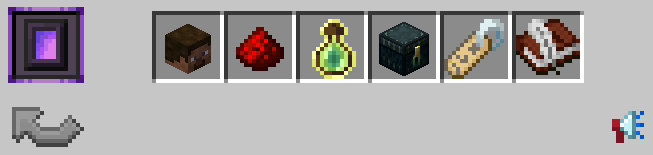
To open the above GUI you can do /t however you must be in a team to view it. Here you can view different information about your team and upgrade to help your team progress. As you progress, features may be unlocked and it'll be easier for your team moving forward.
¶ Nether Portal
Clicking on the Nether Portal will teleport you to your Team Home. You can also teleport to your team home with /t home. To set a home for your Team, type /t sethome.
¶ Members
To invite members, type /t invite (ign) or you can click on the + button in the /t member GUI and type the ign in chat. They will then have the option to /t accept the invite.
¶ Team Ranks
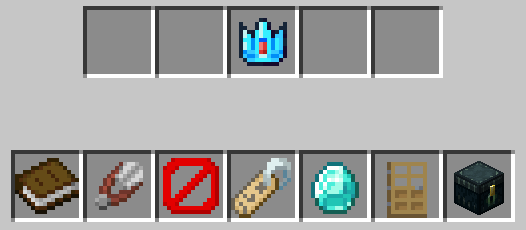
Team permissions allow you to prevent or allow certain roles to carry out specific actions. You can edit permissions by typing /t perms. Here you can edit Recruits, Members, Moderators, Admins and Owners
¶ Changing Permissions
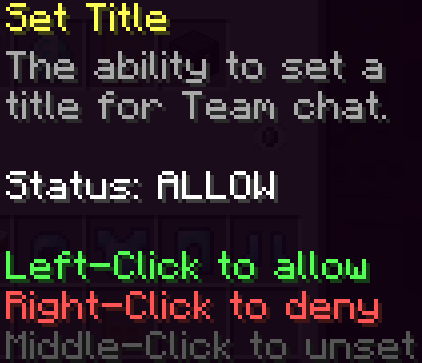
- Left Click to ALLOW the permission
- Middle Click to UNSET the permission
- Right Click to DENY the permission
¶ List of Permissions
 Invite members to the Team
 Kick members from the Team
 Ban or unban members from the Team
 Set title
 Set prefix color
 Set home
 Open
Open /t vault
¶ Levels
Leveling your team up is essential to unlock additional team prefix colors and team vaults. Do /t and click on the experience bottle ( ).
).
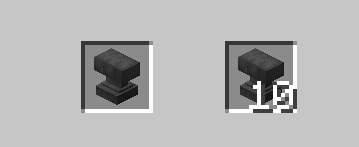
In this GUI, you can purchase one or ten team levels. The current formula for team levels is (Current level x 100). As an example you're currently level 92 and you're wanting to purchase one level, it'll cost you 9,200 to go to level 93, 9,300 to go to level 94 etc.
¶ Team Prefix
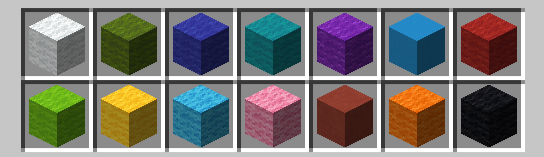
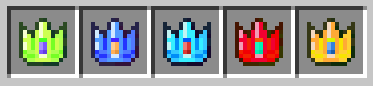
By default, you'll have white prefix color unlocked. As your team level increases, you'll naturally unlock new prefix colors. These prefix colors will be shown whenever your team talks in normal chat.
White Prefix Color Example:

Cyan Prefix Color Example:

When the prefix says 'Active', that's the color prefix that you're currently using. When you have enough team levels, the prefix will say 'Unlocked'. Click on that unlocked prefix to use that color.
Prefix Team Colors
 White Team Prefix Color
Requirement: Unlocked by default
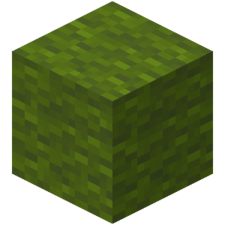 Green Team Prefix Color
Requirement: 100 Team Levels
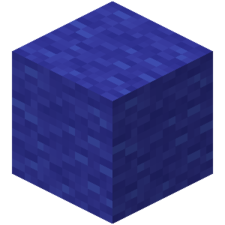 Dark Blue Team Prefix Color
Requirement: 250 Team Levels
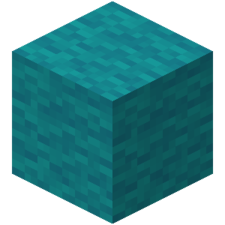 Cyan Team Prefix Color
Requirement: 500 Team Levels
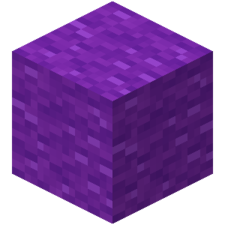 Purple Team Prefix Color
Requirement: 750 Team Levels
 Blue Team Prefix Color
Requirement: 1,000 Team Levels
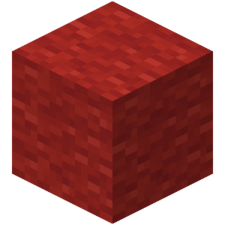 Dark Red Team Prefix Color
Requirement: 1,250 Team Levels
 Lime Team Prefix Color
Requirement: 1,500 Team Levels
 Yellow Team Prefix Color
Requirement: 1,750 Team Levels
 Aqua Team Prefix Color
Requirement: 2,000 Team Levels
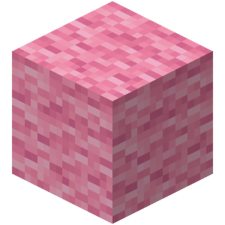 Pink Team Prefix Color
Requirement: 2,500 Team Levels
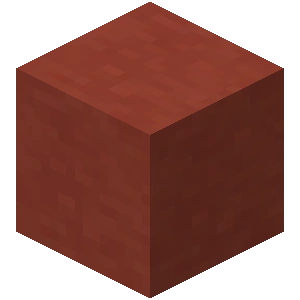 Red Team Prefix Color
Requirement: 3,000 Team Levels
 Gold Team Prefix Color
Requirement: 3,500 Team Levels
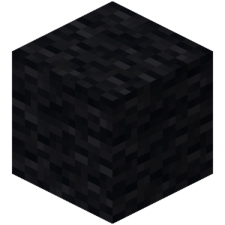 Black Team Prefix Color
Requirement: 4,000 Team Levels
¶ Team Vaults
By default you'll start out with only nine slots unlocked. As your team levels increase, you can unlock vault slots automatically. Nine vault slots unlock at a time when you hit a specific team level and stay unlocked.
You'll need to do /t vault to open the team vault.
Team levels required to unlock vault slots:
100
250
500
750
1,000
¶ Recruitment
With the release of Hardcore, players can use a recruitment system to find teams and can be used by teams to find players. You can find the recruiter at /spawn, or you can use /recruit to open a GUI to start the recruitment process.
While you're in the team/player listings, there will be a writable book located in the bottom right. You can right-click to edit your application or you can left-click to list your application.

Group Listings will show you the teams that are currently looking to recruit new members. Click on the banner to look at the groups currently recruiting along with information about the team. You can left-click to apply to that teams application.
Player Listings will show you players that are currently looking to join a team. Click on the head to look at the players looking for a team to join and hover over a head to view the player's recruiting application. You can left-click to send the player a team invite.
Invite new players to join Manacube and unlock exclusive rewards. You can refer up to 7 players. Click on the diamond and then the head, type in the players IGN and have them join. They must be a new player and join within 72 hours.
¶ Your Application


You'll find 11 different interests when you get to this section for your application. Click on the gray dye located underneath the interest to add it to your application. You can remove the interest from your application by clicking on the lime dye
-
 - Mining
 -
 - Farming
 -
 - Fishing
 -
- Mining
-
 - Redstone
 -
 - Building
 -
 - PvE
- PvE -
- PvP
-
 - Making Friends
 -
 - Economy
 -
 - Collecting
You'll find five different swords when you get to this section for your application. Click on the sword that best describes how long you've played Minecraft
-
 - Less than 1 Year
 -
 - 1-2 Years
 -
 - 3-5 Years
 -
 - 6-9 Years
 -
 - 10+ Years
You'll find five different beds when you get to this section for your application. Click on the bed that best describes how long you'll be able to play Manacube Hardcore
-
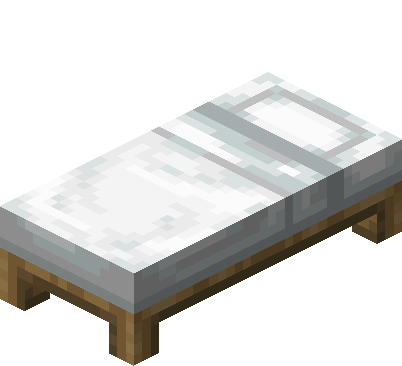 - Less than 5 hours a week
 -
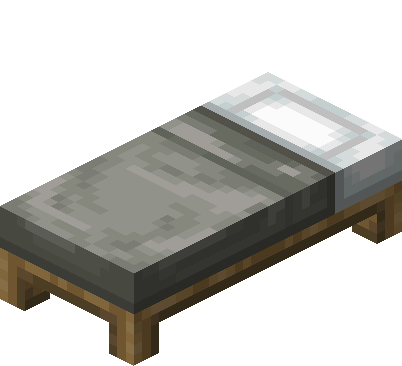 - 5-10 hours a week
 -
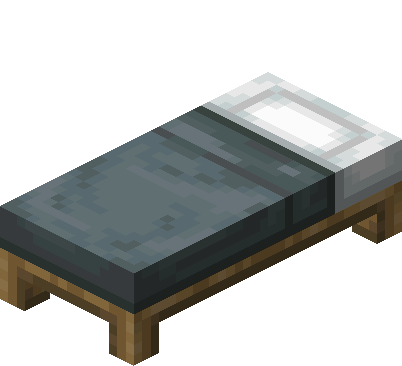 - 10-20 hours a week
 -
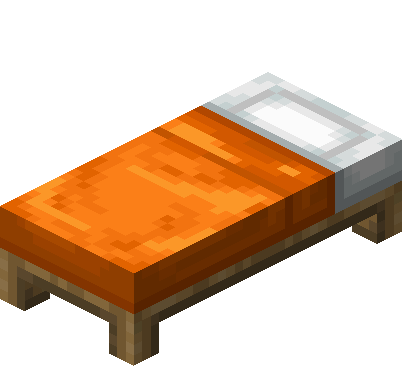 - 20-30 hours a week
 -
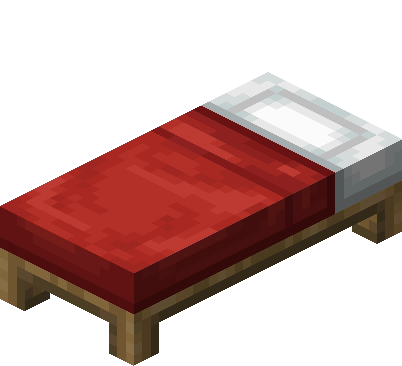 - 30+ hours a week
You'll find seven clocks when you get to this section for your application. Click on the clock that best describes your general time zone
-
- America West
-
- America East
-
- Europe East
-
- Europe West
-
- Middle East
-
- Asia
-
- Oceania

¶ Team Logs
When you're browsing through the different /t options, You can hover or click on the eye. Here you can view all of your team logs.
¶ Raid Alerts
You can toggle /raidalert or through the /t GUI and clicking on the megaphone. If you are synced in-game to discord, you will receive a notification on discord when you're being raided.
¶ Land Map
To view the land map, you can do /t map. Since you can't claim land, you can use this to keep an eye on your coords.